
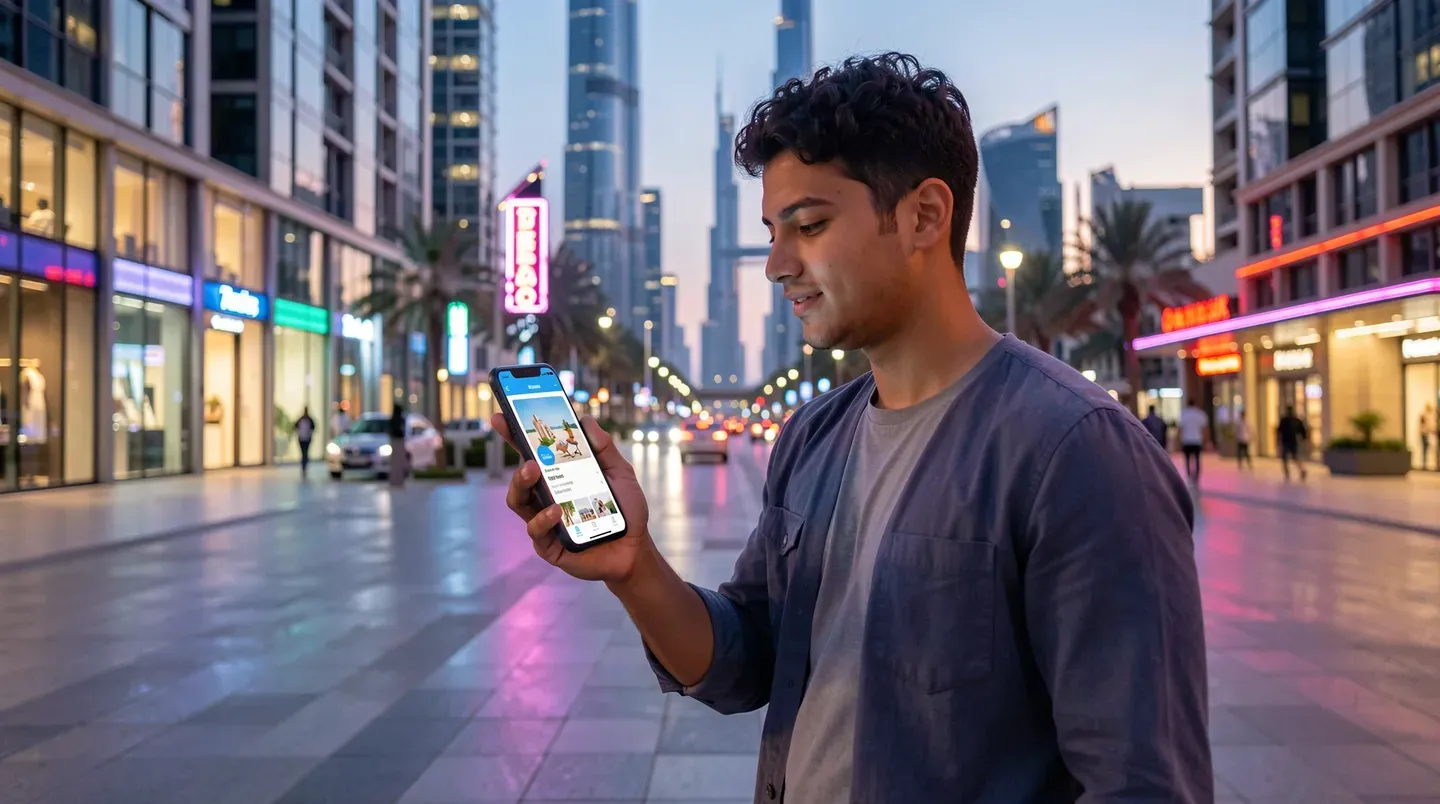
In a fast-paced and highly connected society like the United Arab Emirates, managing your relationship goals on the go is essential. For adults looking to find a sugar mummy or sugar baby in Dubai, Abu Dhabi, or other emirates, having immediate, secure access to your profile and conversations is key. Our platform is fully optimized for mobile devices, offering a seamless "sugar mummy app" experience directly through your smartphone's web browser.
By providing a responsive, app-like interface, we eliminate the need for complicated app store downloads or installing unverified files. You can search the database, edit your preferences, and chat with local matches securely, whether you are commuting in Dubai or dining in Abu Dhabi.
Our Mobile Experience: A Seamless Sugar Mummy App
Our mobile interface is engineered to replicate the look, feel, and performance of a native application while running directly on your mobile web browser.
This responsive design offers several key advantages:
- Instant Access: There is no need to visit the Apple App Store or Google Play Store to download our platform. You can access all matching and messaging features instantly by visiting our website on your mobile device.
- Cross-Platform Compatibility: Our mobile web app runs smoothly on all major operating systems, including iOS and Android. Whether you use an iPhone, Samsung, or any other modern smartphone, the interface adapts to your screen size automatically.
- Enhanced Privacy: Native applications on your phone often request invasive permissions, such as access to your contact list, location history, or media folders. Our mobile web app respects your privacy by operating within your browser's secure sandbox, requiring no phone permissions.
Web App vs. App Store Downloads
Many searches in the sugar dating niche, such as "sugar mummy app download" or "best sugar mummy app," lead to unverified app files (APKs) or low-quality apps on third-party stores. These downloads often contain spam, display excessive ads, or compromise your personal data.
We have chosen a web-app approach to ensure security and accessibility:
- No External App Installations: You do not have to download external files or modify your phone's security settings. This protects your device from malware and keeps your data secure.
- Automatic Updates: When we release new search filters, safety updates, or messaging improvements, they are applied to our servers instantly. You never have to wait for app updates or manual downloads.
- Discreet Usage: The web app does not place a default icon on your home screen unless you choose to create one. This keeps your online activities private.
Key Benefits of Using the Platform on Your Phone
Using our mobile-optimized platform allows you to manage your dating journey efficiently throughout the UAE:
- Location-Based Proximity Searching: Use your phone's browser location settings to find a "sugar mommy app" match near you. Whether you are in Downtown Dubai, Dubai Marina, or Ajman, the mobile app shows you active profiles in your immediate vicinity.
- Real-Time Messaging: Keep in touch with matches using our secure messaging chat. You can send texts, manage conversation threads, and receive instant alerts when a member replies to your message.
- Quick Profile Uploads: Take photos on your phone and upload them directly to your profile. You can also utilize our built-in blur controls to manage who can see your photos on mobile.
- Discreet Settings: Easily toggle your active status, manage profile visibility, and log out of your account with a few taps on your screen.
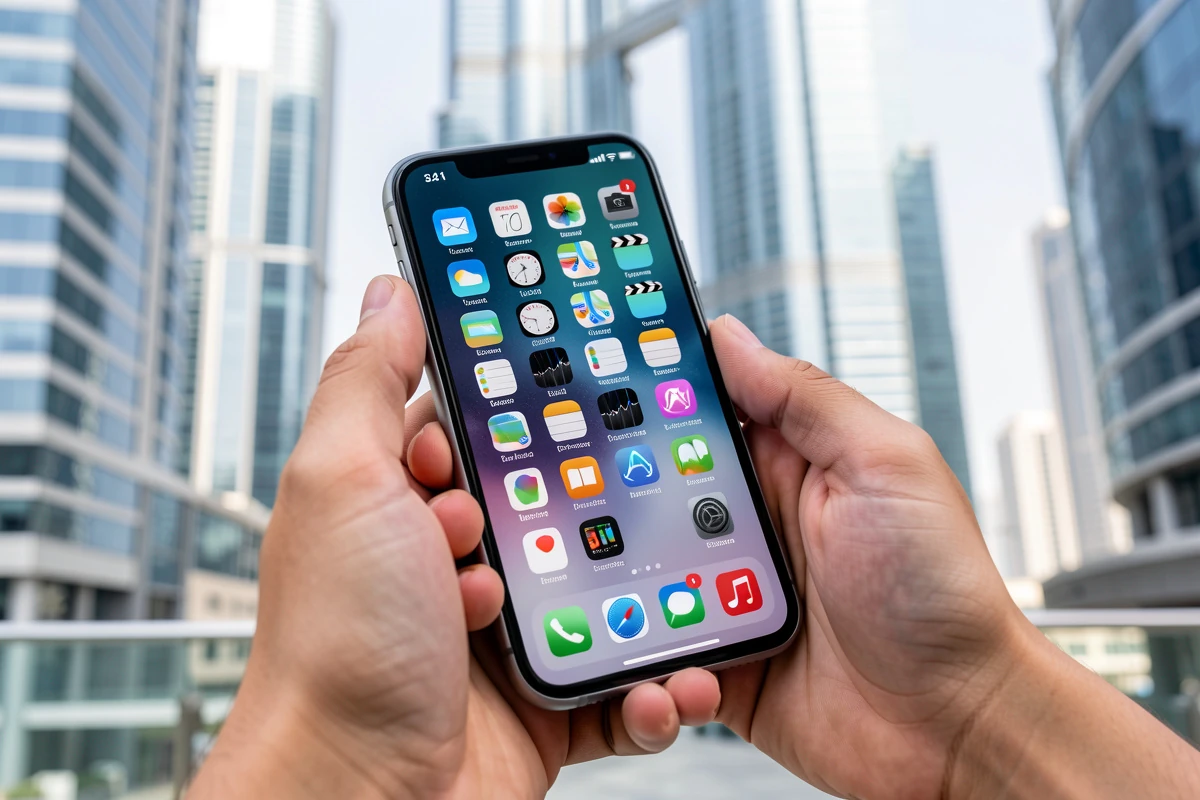
Mobile Setup and Launch Guidance
To make access even easier, you can add a shortcut to our platform directly on your phone's home screen, creating an app-like icon for quick launch:
For iOS (iPhone Safari Browser)
- Open the Safari browser on your iPhone and navigate to our homepage.
- Tap the Share button (the square icon with an arrow pointing upwards) in the bottom navigation bar.
- Scroll down the menu and tap Add to Home Screen.
- Enter a name for the shortcut (e.g., "Sugar Match") and tap Add in the top right corner. The icon will appear on your home screen like a standard app.
For Android (Google Chrome Browser)
- Open Chrome on your Android phone and navigate to our site.
- Tap the Menu icon (three vertical dots) in the top right corner of the browser.
- Tap Add to Home Screen from the drop-down menu.
- Confirm the shortcut name and tap Add. The shortcut icon will be placed on your home screen for quick access.
Frequently Asked Questions About the Sugar Mummy Mobile App
Is there a free mobile app available?
Yes. Accessing our matchmaking database, setting up your profile, and browsing local members on your mobile browser is completely free. To create your account and start matching on your phone, visit our Free Registration Page.
Can I message matches on the mobile app?
Yes. Our built-in secure messaging chat is fully functional on mobile devices. You can read, send, and manage messages directly in your mobile browser. For details on how online messaging works, read our Dating Site Guide.
How does location filtering work on mobile?
Our platform uses your browser's location settings to show you local members. You can filter matches by emirate (such as Dubai, Abu Dhabi, Sharjah, or Ajman) or search within a specific radius of your current location. To learn more about local matchmaking in different cities, explore our Abu Dhabi page, Sharjah page, or Ajman page. For a country-wide view, visit our UAE hub page.
Start Matching on Mobile Today
Take control of your dating life by using a secure, responsive platform built for the UAE sugar dating community. Connect with verified partners in Dubai and across the UAE directly from your smartphone, with no downloads or store installations required.
Register free today on your phone to join our network and start browsing active sugar mummy and sugar baby profiles in your area.